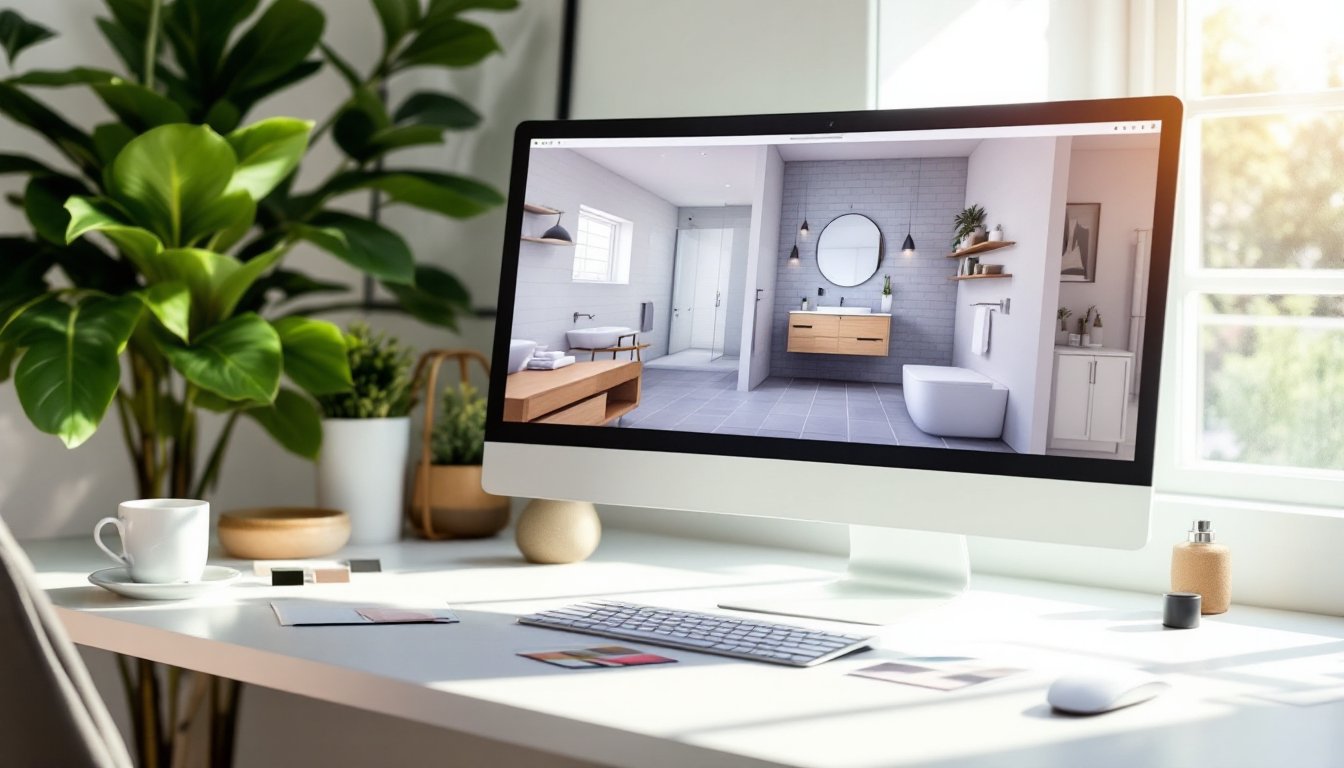
Planning a bathroom renovation doesn’t require hiring a designer or dropping thousands upfront. Free online bathroom design tools let you visualize layouts, test color schemes, and place fixtures before you buy a single tile or contact a contractor. Whether you’re reconfiguring a powder room or gutting a master bath, these platforms handle the heavy lifting, and they’re easier to use than they were five years ago. This guide walks you through the best free options, shows you how to build a workable layout, and shares pro tips for maximizing tight spaces.
Table of Contents
ToggleKey Takeaways
- Free online bathroom design tools let you visualize layouts, test colors, and place fixtures before making expensive purchases or hiring contractors.
- Designing a bathroom online helps catch layout mistakes early—such as vanities blocking door swings—before construction begins, saving time and money.
- Start with accurate measurements and prioritize fixture placement, beginning with the toilet as your least flexible anchor, then position the vanity and shower with proper clearances.
- Use design tools to test materials side by side: whites and neutrals paired with timeless options like subway tile and gray grout create enduring, low-maintenance bathrooms.
- Maximize small bathroom spaces by choosing wall-mounted vanities, corner storage, full-wall mirrors, and corner showers that open up the room visually.
- Verify local building codes and clearance requirements (5 feet in front of toilets and tubs, GFCI outlets, ventilation) before finalizing your bathroom design online.
Why Free Online Bathroom Design Tools Are Game-Changers for DIY Projects
Free design tools eliminate the guesswork from renovation planning. Before you commit to a layout, or worse, frame a wall only to discover the vanity won’t fit, you can test options in 2D and 3D. Most tools let you import or input actual room dimensions, so you’re working from accurate measurements, not rough estimates.
These platforms also speed up the material selection phase. Instead of flipping through catalogs and imagining how a gray subway tile will look next to your existing brushed nickel fixtures, you can drop them into your design and see the clash (or harmony) in real time. You’ll catch design mistakes on-screen rather than during drywall installation.
Another win: communication. If you’re partnering with a contractor, plumber, or electrician, a digital layout becomes a shared reference. They can flag issues, “that vanity blocks the door swing”, before the demo day arrives. For DIYers tackling the project solo, you’ve got a step-by-step blueprint to follow.
Top Free Bathroom Design Platforms to Get Started
Browser-Based Tools for Quick Layouts
Floorplanner and RoomSketcher let you build 2D floor plans by dragging walls and fixtures onto a grid. You input room dimensions, add doors and windows, then populate the space with bathroom essentials. Both offer pre-drawn fixture libraries (toilets, sinks, tubs) and let you measure distances on-screen.
IKEA Home Planner is stripped-down but solid if you’re using IKEA cabinets or vanities. Drop in a bathroom vanity at 30 inches wide or 36 inches wide, nominal sizes matter, and layer in mirrors and shelving. It’s fast and free, with no account required.
Homestyler bridges 2D and 3D. You sketch a layout, and the tool renders it in perspective view so you can walk through the space virtually. It’s intuitive, and swapping one tile pattern for another takes seconds. The free tier includes basic fixtures and finishes: premium assets cost extra, but the fundamentals are solid.
Interior Design Trends Tools: Essential Resources for Modern Designers also offer robust online suites for planning, though they typically combine free and paid features.
Mobile Apps for On-the-Go Planning
Magicplan and MagicPlan’s mobile version let you snap photos of your existing bathroom, overlay a grid, and measure walls directly from your phone camera. It’s especially handy if you’re on-site and need to sketch dimensions without a tape measure (though a real tape measure is still your best friend for accuracy).
Houzz functions as both inspiration and lightweight planning tool. Browse millions of bathroom photos, save favorites to a collection, and use their mobile app’s augmented reality feature to drop fixtures into your real space through your phone’s camera. It won’t give you a full renovation blueprint, but it’s perfect for deciding on tile backsplashes, hardware finishes, and lighting styles.
Houzz for Pros and Homeowners has become invaluable for homeowners collecting visual references alongside planning.
Step-by-Step Guide to Designing Your Bathroom Layout
Start with accurate measurements. Grab a 25-foot tape measure and record the length and width of your room. Measure door swing radius, window position, and any permanent obstacles (ductwork, electrical boxes, plumbing stacks). Write these down, don’t rely on memory.
Choose your primary fixtures. Most bathrooms have three anchors: toilet, sink/vanity, and tub or shower. Standard toilet rough-in is 12 inches from the wall, though older homes sometimes use 10 or 14 inches, check before designing. Vanities range from 24 inches to 48 inches wide: tubs are typically 30 × 60 inches (alcove) or 32 × 60 inches (freestanding). Showers need minimum 36 × 36 inches of clear floor space per building code, but that’s tight: 48 × 36 inches is more livable.
Place the toilet first. It’s the least flexible anchor. Once positioned, the vanity and shower have breathing room.
Account for clearances. Toilet paper holders need at least 18 inches from the vanity, towel racks should be reachable from the shower without stepping out, and the bathroom door shouldn’t swing into the toilet. If you’re working in a tight space, say, under 40 square feet, you’ll be forced into creative placement.
Test traffic flow. In your design tool, draw a path from the door to the toilet, sink, and shower. Can you move through without performing yoga? Is there a logical place to stand while brushing teeth or applying makeup? Good layouts feel open even when square footage is limited.
Check for code compliance. Most jurisdictions require 5 feet of clearance in front of the toilet and tub. Verify your local IRC (International Residential Code) or city building department requirements before finalizing. Electrical outlets must be GFCI-protected within 6 feet of water sources, and ventilation fans are mandatory to prevent mold and moisture damage.
Choosing Colors, Fixtures, and Materials Using Design Tools
Once your layout is locked in, design tools make material selection fast and visual. Most platforms include libraries of tile finishes (matte, glossy, textured), paint colors (from major brands like Sherwin-Williams and Benjamin Moore), and hardware finishes (chrome, brushed nickel, matte black, brass). Drop a sample into your design, and you’ll see how it interacts with adjacent materials under the tool’s lighting simulation.
Go with whites and neutrals if you’re unsure. A white subway tile with gray grout is a timeless combo that hides dirt and won’t feel dated in five years. Bright accent colors (deep teal, forest green, blush) work best on one wall or as a tile border rather than covering all four.
Test finishes side by side. Brushed nickel faucets and fixtures look different against chrome or matte black hardware. Your design tool lets you swap finishes instantly, so you can compare before committing. Matte finishes hide water spots: glossy finishes show everything but feel more upscale.
Consider material durability. Porous natural stone (marble, slate) absorbs water and requires sealing: porcelain tile is maintenance-free. Vinyl flooring is forgiving for tight budgets: actual tile is pricier but lasts longer. Homedit – Home Design showcases real bathrooms where material choices are documented alongside outcomes, so you can see wear and aging in context.
Layer in lighting. Bathroom lighting affects how colors appear. Soft white LEDs (2700K color temperature) feel warm and flattering: cool white (4000K) is brighter and more clinical. Design tools let you adjust lighting: use this to preview how your tile, paint, and fixtures will actually look after 6 p.m. when you’re using the space.
Pro Tips for Maximizing Small Bathroom Spaces
Small bathrooms demand clarity before you renovate. Use your design tool to push fixtures closer to walls and eliminate wasted floor space. A wall-mounted vanity saves 9 to 12 inches compared to a traditional pedestal or cabinet base, which matters in a 5 × 8-foot powder room.
Corner and over-toilet storage feels invisible but recovers usable square footage. A tall, narrow cabinet next to the toilet occupies maybe 2 feet of footprint but holds months’ worth of supplies. Your design tool should include these units: if not, treat them as simple rectangles and note their placement.
Mirrors enlarge perceived space. A full-wall mirror opposite a window bounces natural light and makes the room feel bigger. A medicine cabinet mirror is practical: a frameless, edge-to-edge mirror creates a sleeker effect. Remodelista’s Bathroom Resource Guide provides detailed guidance on maximizing bathrooms of all sizes, including mirror placement strategies for tight rooms.
Shower enclosures matter. A traditional 4-foot-long rod shower curtain takes up visual and functional space. A corner shower with a glass door (or even a curtain rod in the corner rather than center-wall) opens up the room. Frameless glass reads as more minimal and less cramped than framed aluminum or chrome frames.
Light colors and minimal patterns avoid visual clutter. In a small bathroom, a white tile with a subtle texture beats a bold geometric pattern that competes for attention. Keep the palette to two or three colors: your base (white or light gray), one accent color, and one hardware finish. The design tool forces this discipline, restraint looks polished on-screen and in reality.